
Email, phones, card terminals and cloud apps — almost everything a business does now runs over its internet connection, and a single line is a single point of failure. DrayTek multi-WAN routers combine fiber, cable, DSL and 4G/5G so you get more bandwidth every day and keep working when one provider has an outage.

Two jobs, one router

Failover
A backup line takes over the moment the primary connection fails, and traffic moves back automatically when it recovers.

Load balancing
Spread traffic across every line so your second connection works for you every day instead of sitting idle.
Choose how traffic is shared
| Mode | How it works | Good for |
|---|---|---|
| IP-based | Traffic to a given destination stays on one WAN | Sites that dislike changing source addresses, such as banking portals |
| Session-based | Each new session can use a different WAN | Busy offices with many users and many connections |
| Weighted | Sessions are split by a ratio you set, e.g. 3:1 | Lines of different speeds |
DrayTek balances sessions, not individual packets, so a VoIP call, an HTTPS log-in or a VPN tunnel stays on one line from start to finish instead of breaking mid-stream.
Policy routing puts traffic where it belongs
Load balancing decides how traffic is shared; route policies decide where specific traffic goes. Match on source, destination, port or traffic type and send it to the WAN — or VPN — you choose. For example:
- Keep VoIP and video calls on the fiber line
- Send guest Wi-Fi out over the cable connection
- Hold a metered 4G/5G line in reserve for failover only
- Route a partner’s traffic through a site-to-site VPN
Mix any kind of connection

Fiber and Ethernet
Gigabit and multi-gigabit Ethernet WANs, plus 10G SFP+ on models such as the Vigor2928 and Vigor3912.

Cable and DSL
Connect existing cable, DSL or fixed-wireless modems to an Ethernet WAN port.

4G / 5G cellular
Built-in LTE or 5G on cellular models, or a supported USB modem on other models.

Wi-Fi as a WAN
On supported models, use a wireless uplink or a phone hotspot as an emergency connection.
Featured products
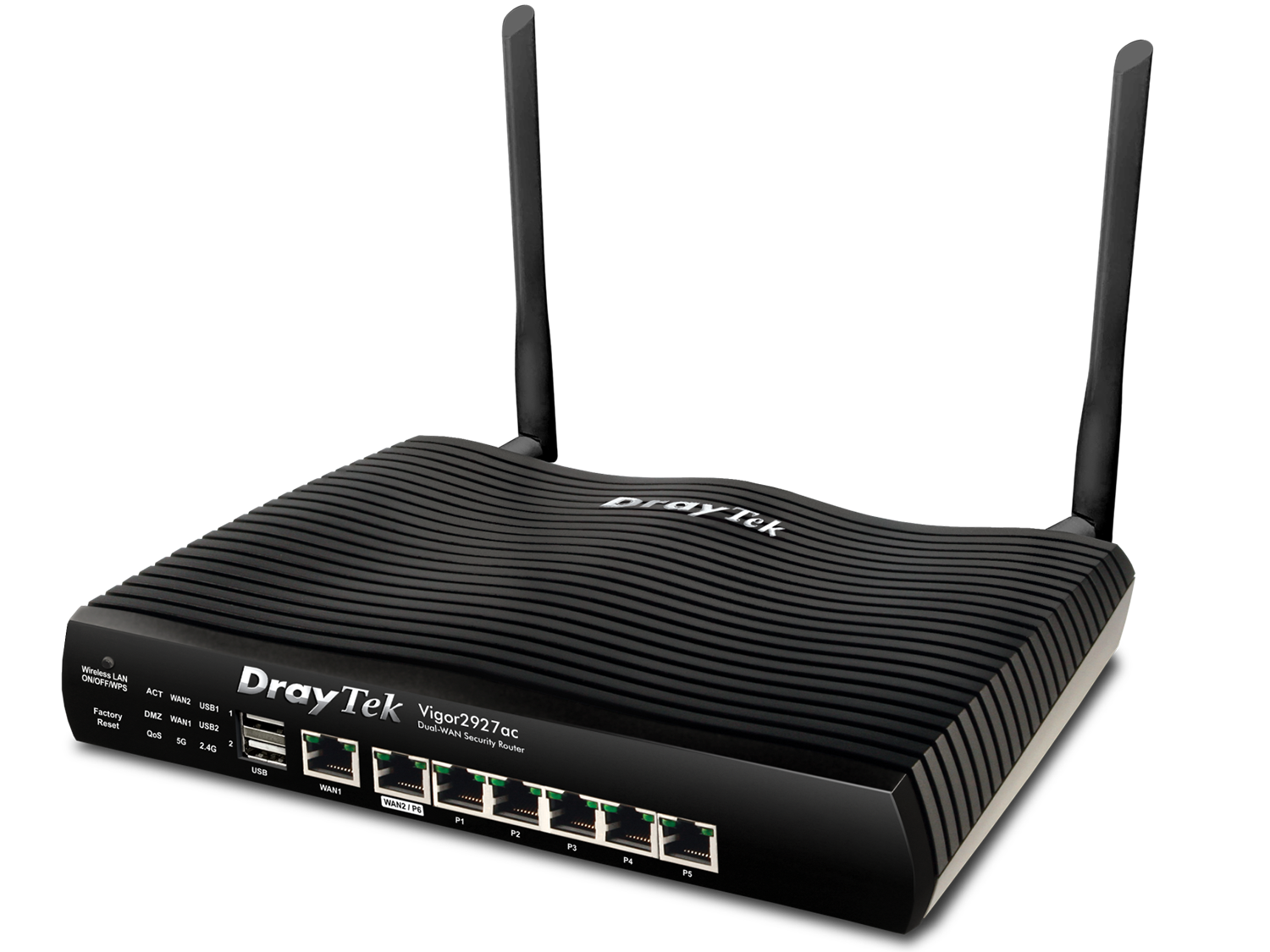
Vigor2927 Series
Dual-WAN for small and mid-size sites
- Two WAN ports for balancing and failover
- VoIP optimization and monitoring
- Custom multilingual hotspot page
- Auto VPN and zero-touch setup with VigorACS
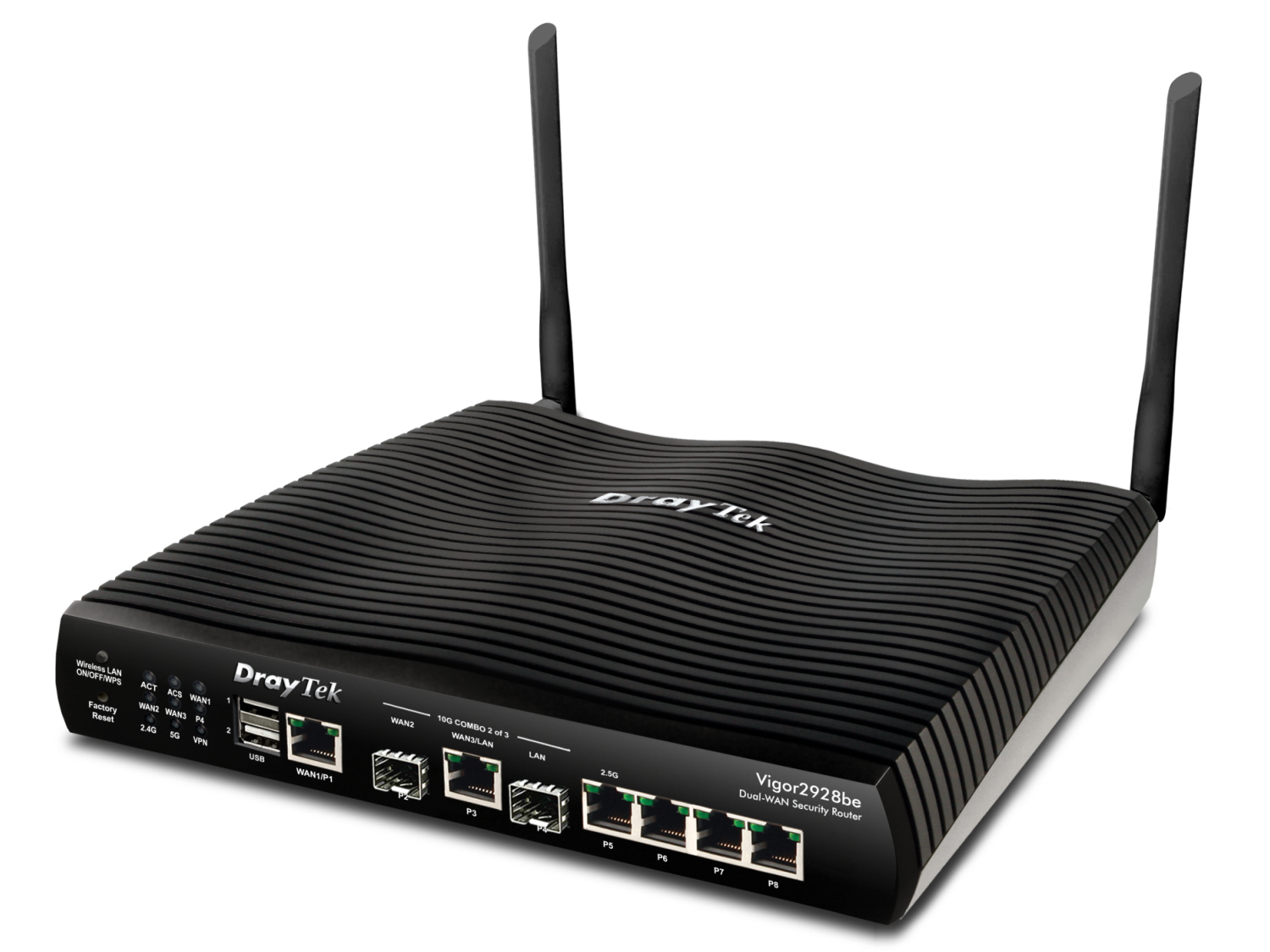
Vigor2928 Series
Growing businesses and busy branches
- 10GbE SFP+ WAN plus 1GbE WAN
- 100K NAT sessions
- 50 concurrent VPN tunnels
- Enhanced security with IAM